 Invoice Luxe
How to Calculate VAT Backwards: Find the Net Price
Work out the price before VAT from a VAT-inclusive total. Divide by 1.20, not subtract 20%. Examples at 20% and 5% plus a quick table.
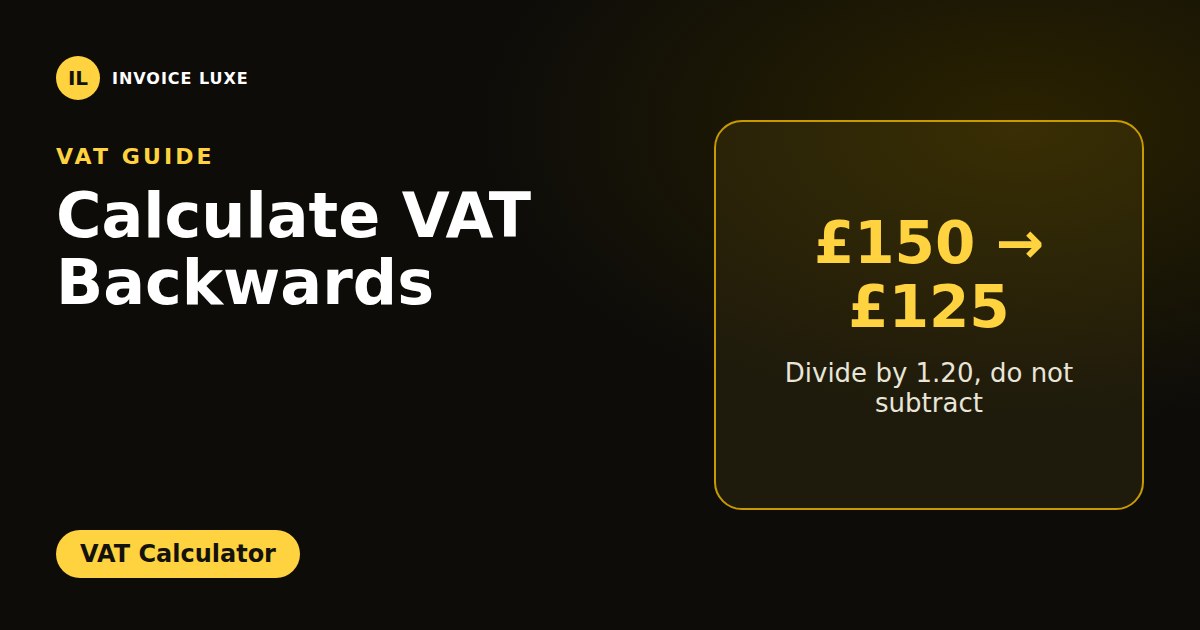
You have a total that already includes VAT, and you need the price before VAT. This is called calculating VAT backwards, or a reverse VAT calculation.
The key rule: divide, do not subtract.
Net price = gross price ÷ (1 + VAT rate)
VAT = gross price − net price
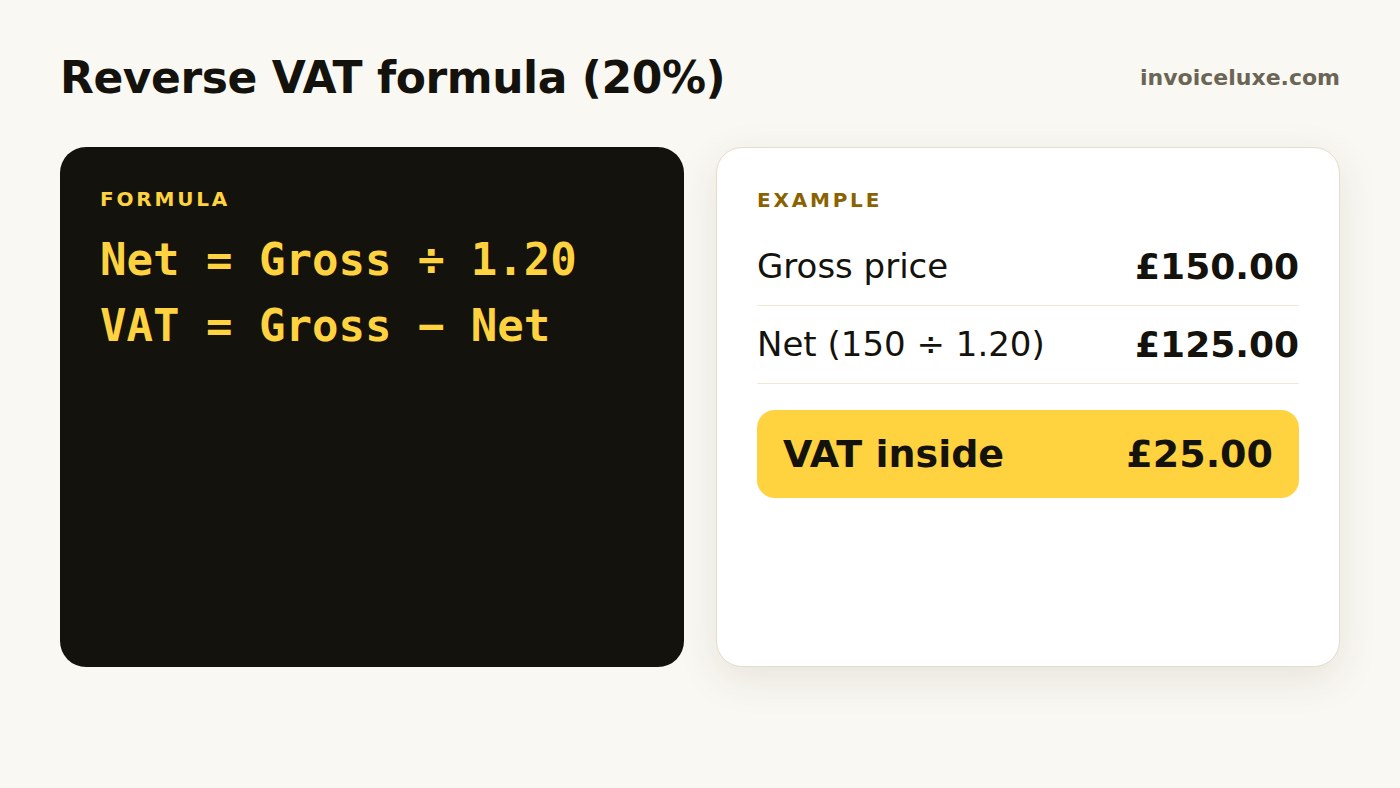
How do you remove 20% VAT from a price?
A receipt says £150 including VAT at 20%:
- Divide by 1.20: 150 ÷ 1.20 = £125 net
- Subtract to find the VAT: 150 − 125 = £25
Want to try it right away? VAT Calculator is free and needs no signup.
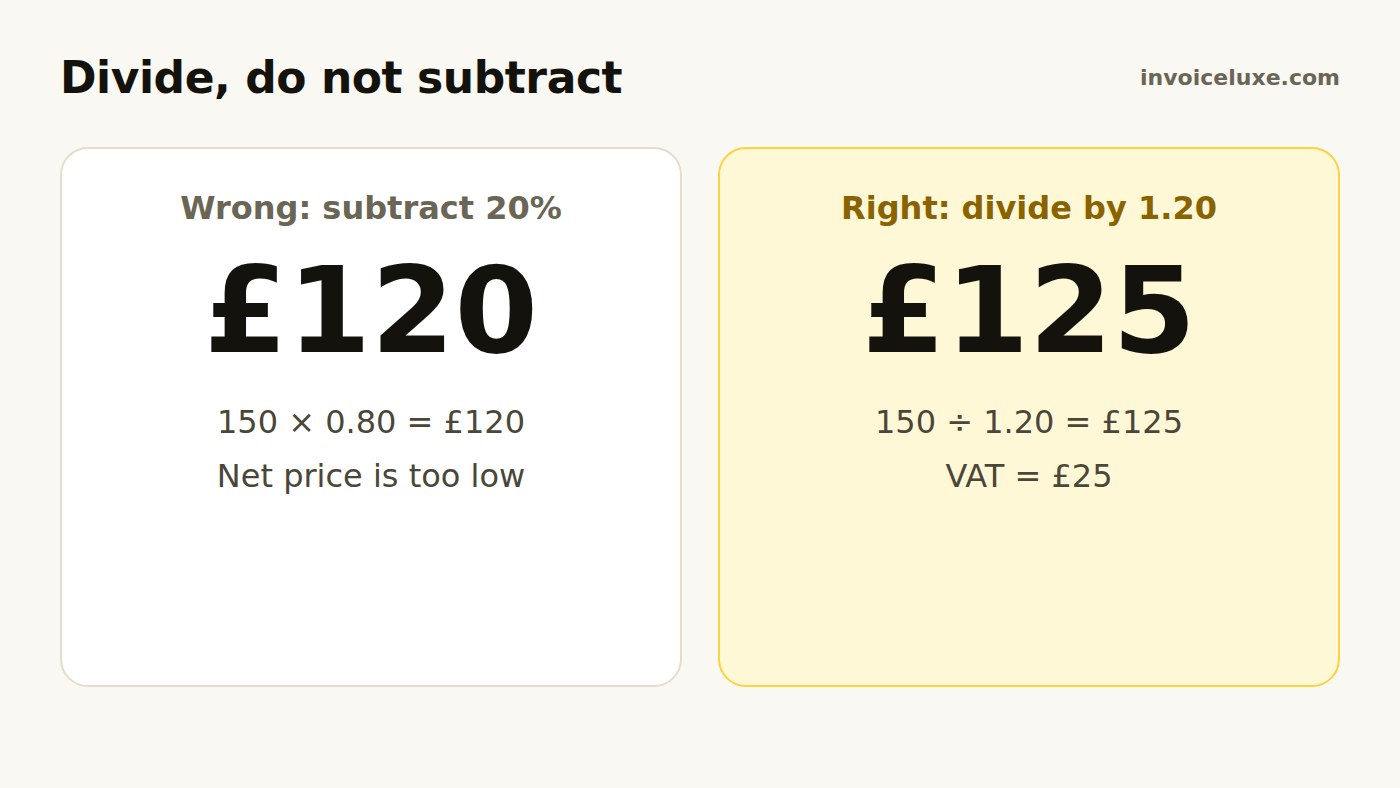
Why is subtracting 20% wrong?
Taking 20% off £150 gives £120, which is wrong. VAT was added to the net price of £125, so it is 20% of £125, not 20% of £150. Dividing by 1.20 undoes the addition correctly.
Is there a shortcut?
Yes. The VAT inside a gross price is a fixed fraction of it:
- At 20%, VAT is one sixth of the gross price. £150 ÷ 6 = £25.
- At 5%, VAT is one twenty-first. £63 ÷ 21 = £3, so the net price is £60.
Reverse VAT table at 20%
| Gross price | Net price | VAT |
|---|---|---|
| £60 | £50.00 | £10.00 |
| £120 | £100.00 | £20.00 |
| £240 | £200.00 | £40.00 |
| £600 | £500.00 | £100.00 |
Check your answer
Multiply the net price by 1.20. If you get back the gross price, the calculation is right. £125 × 1.20 = £150.
To add VAT going forwards, see how to calculate VAT. For a side-by-side view, read how to add or remove VAT.
FAQ
How do I calculate VAT backwards?
Divide the VAT-inclusive price by 1 plus the VAT rate. At 20%, divide by 1.20.
How do I find the VAT amount in a total?
At 20%, divide the gross total by 6. At 5%, divide it by 21.
What is £120 excluding VAT?
£120 ÷ 1.20 = £100 net, with £20 VAT.
Is this tax advice?
No. It explains the calculation. For your own VAT obligations, check with HMRC or an accountant.