 Invoice Luxe
How to Find the VAT Rate From a Net and Gross Price
Work out the VAT rate when you only know the price before and after VAT. Simple formula, worked examples and a quick check for common rates.
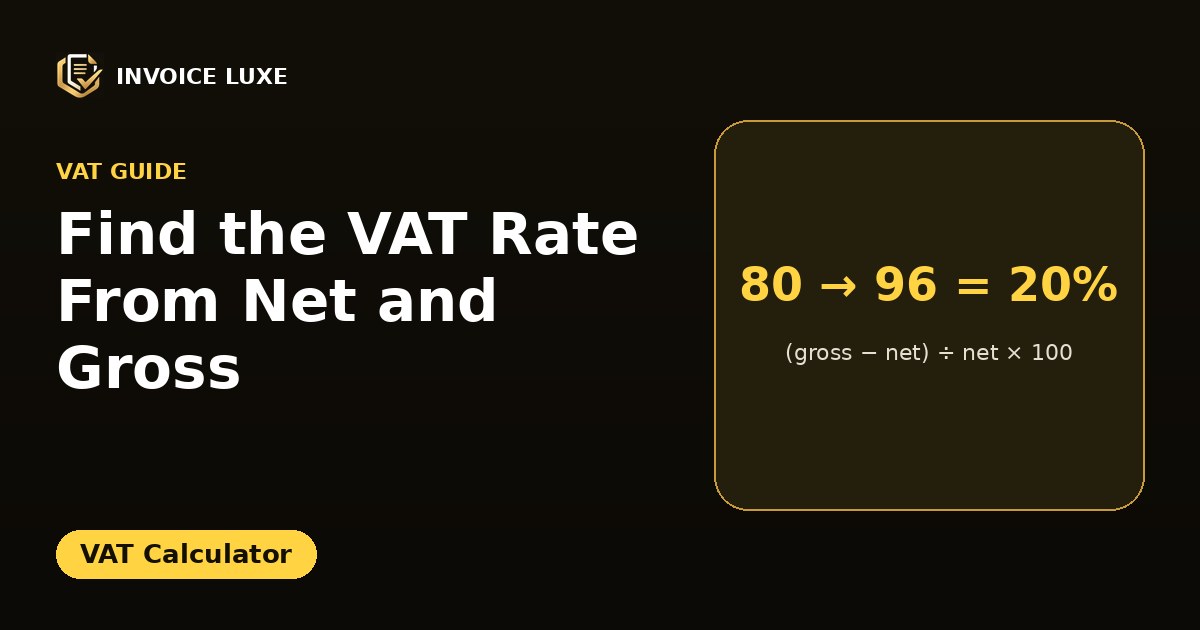
Sometimes you have a receipt or a price list with a net and a gross price, but no VAT rate. You can find the rate with one formula.
VAT rate = (gross − net) ÷ net × 100
Need more? Open the full free VAT Calculator. No signup needed.
How do you calculate the VAT rate?
Example: net price 80, gross price 96.
- VAT amount: 96 − 80 = 16
- Divide by the net price: 16 ÷ 80 = 0.20
- Multiply by 100: 20%
Want to try it right away? VAT Calculator is free and needs no signup.
More examples
| Net | Gross | VAT amount | Rate |
|---|---|---|---|
| 100 | 119 | 19 | 19% |
| 50 | 53.50 | 3.50 | 7% |
| 200 | 210 | 10 | 5% |
| 40 | 40 | 0 | 0% |
Common mistake: dividing by the gross price
If you divide 16 by 96 you get 16.7%, which is not the rate. The rate is always calculated on the net price, because that is the base VAT is added to. For the reverse direction see how to calculate VAT backwards.
What if you only know the gross price and the VAT amount?
Net = gross − VAT. Example: gross 120, VAT 20. Net is 100 and the rate is 20 ÷ 100 = 20%.
Quick check against common rates
Multiply the net by the likely multiplier and compare with the gross:
- 20%: net × 1.20
- 19%: net × 1.19
- 5%: net × 1.05
If one matches the gross price, you have found the rate. Rates differ by country and by type of goods, so confirm the current ones with your tax authority.
Why this matters on invoices
Checking the implied rate helps you spot errors, such as VAT charged at the wrong rate or a total that does not add up. See 7 VAT calculation mistakes and VAT inclusive vs exclusive.
Check it with a calculator
Enter the net and gross amounts to see the VAT amount and rate at once, or add and remove VAT at any rate.
Five invoices, five rates
| Net | Gross | VAT | Rate |
|---|---|---|---|
| 250.00 | 300.00 | 50.00 | 20% |
| 80.00 | 84.00 | 4.00 | 5% |
| 1,250.00 | 1,437.50 | 187.50 | 15% |
| 64.20 | 77.04 | 12.84 | 20% |
| 500.00 | 500.00 | 0.00 | 0% |
For each row, divide the VAT by the net amount. For the third row, 187.50 ÷ 1,250 = 0.15, which is 15%.
Spotting an invoice with mixed rates
If your result is not a standard rate, the invoice may contain lines at different rates. For example, net 300.00 and gross 348.00 gives 48 ÷ 300 = 16%, which is not a standard rate. The invoice could be 240 at 20% (VAT 48) plus 60 at 0%, since 240 × 1.20 + 60 = 348. This is called an effective rate.
Check small invoices carefully
On small amounts, rounding can move the result slightly. If an invoice shows net 3.33 and VAT 0.67, the calculated rate is 20.1%, which is really 20% rounded. Use a larger invoice to confirm a rate.
In a spreadsheet
With the net in A2 and the gross in B2, use =(B2-A2)/A2 and format the result as a percentage. Compare it with the rates you expect, and flag any rows that do not match.
Why this helps
- Checking a supplier's invoice before you pay
- Catching a wrong rate before you file a VAT return
- Finding the rate when only the totals are shown
- Auditing an old batch of invoices
See VAT calculation mistakes and calculate VAT backwards.
FAQ
How do I work out the VAT rate from two prices?
Subtract net from gross, divide by net, and multiply by 100.
Is the rate based on the net or the gross price?
The net price, the price before VAT.
What if the result is not a standard rate?
Check for rounding, a discount or a mix of rates on the same total.
How do I find the VAT rate from a net and a gross price?
Subtract the net from the gross to get the VAT, divide by the net and multiply by 100.
What does it mean if the rate is not a standard one?
The invoice may include several rates, or an amount may be wrong. Check each line.
Is this tax advice?
No. It explains the calculation. For tax questions ask your tax authority or an accountant.