 Invoice Luxe
Percentage Increase and Decrease: Formula and Examples
How to calculate percentage increase and decrease, why +20% then -20% does not cancel out, and how to find the percent change between two numbers.
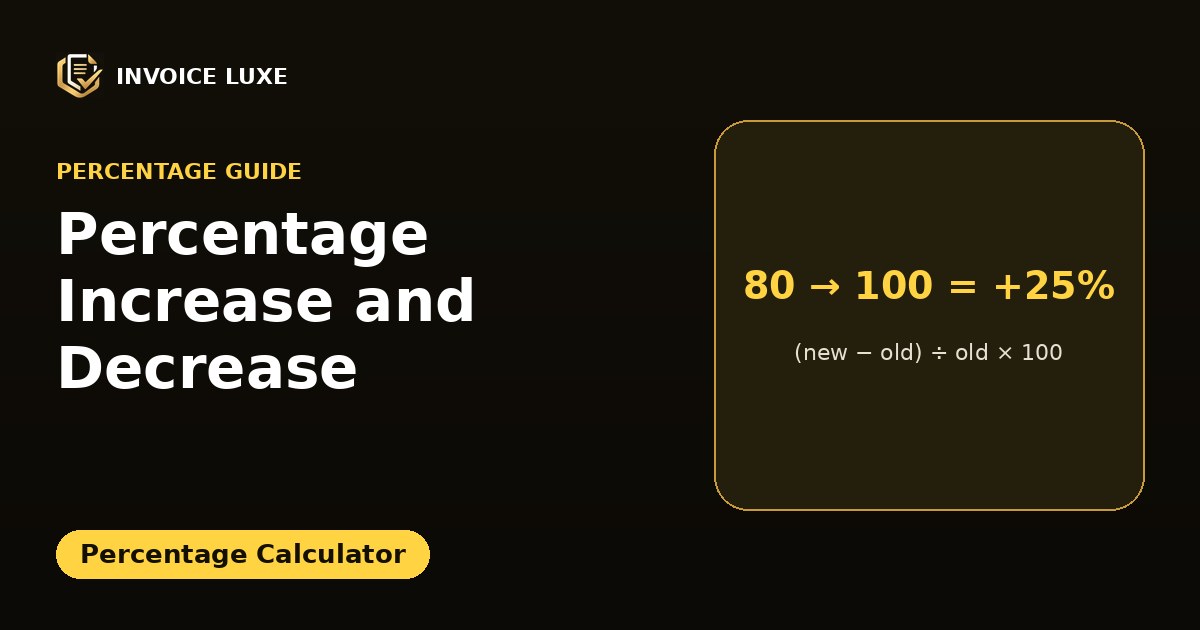
Percent change tells you how much a number went up or down compared with where it started. You use it for price rises, sales growth, discounts and savings.
Percent change = (new value − old value) ÷ old value × 100
A positive result is an increase. A negative result is a decrease.
How do you calculate percentage increase?
Example: a price rises from 80 to 100.
- Subtract: 100 − 80 = 20
- Divide by the old value: 20 ÷ 80 = 0.25
- Multiply by 100: +25%
Want to try it right away? Percentage Calculator is free and needs no signup.
How do you calculate percentage decrease?
Example: a price falls from 120 to 90.
- Subtract: 90 − 120 = −30
- Divide by the old value: −30 ÷ 120 = −0.25
- Multiply by 100: −25%
Why does +20% then −20% not return to the start?
Because the second percentage is calculated on a different number.
Start at 100. Add 20%: 120. Take away 20% of 120, which is 24: 96. You ended 4% below where you began.
| Change | From | To |
|---|---|---|
| +25% | 80 | 100 |
| −20% | 100 | 80 |
| +50% | 40 | 60 |
| −33.3% | 60 | 40 |
To undo a rise you need a smaller percentage drop, and to undo a drop you need a larger percentage rise. A fall of 20% needs a rise of 25% to recover.
How do you apply a percentage change to a price?
- Increase by 15%: price × 1.15
- Decrease by 15%: price × 0.85
Example: 200 up 15% is 230. Then 230 down 15% is 195.50, not 200. See find the original price before a discount to work backwards.
Percent change vs percentage points
If a rate moves from 4% to 6%, it rose by 2 percentage points, which is a 50% increase (2 ÷ 4). Mixing these up is a very common reporting mistake.
Where is percent change used?
- Price increases and discounts, see how to calculate a discount percentage
- Comparing monthly income or sales
- Interest and growth rates
Calculate percent change instantly
The percentage calculator handles increase, decrease and percent difference in one place.
FAQ
What is the formula for percentage increase?
(New − old) ÷ old × 100.
How do I calculate a 10 percent increase?
Multiply the number by 1.10.
How do I calculate a 10 percent decrease?
Multiply the number by 0.90.
What if the old value is zero?
Percent change cannot be calculated from zero because you cannot divide by zero. Use the absolute change instead.